GoPaw App Support

How can we help?

Need help with the GoPaw app? You’re in the right place.

Whether you need assistance with your account, the BARK lost pet alert, your pet profile or booking a service, our team is here to help.

BARK Lost Pet Support

Need help with BARK?

BARK is GoPaw’s community lost pet alert feature, designed to help you quickly alert people in your area when your pet goes missing.

Reporting a pet as missing

Open the GoPaw app and:

  • check-mark
    Tap BARK in the bottom navigation.
  • check-mark
    Select the pet that is missing.
  • check-mark
    Follow the instructions to create your alert.
  • check-mark
    Check the information carefully before activating your BARK alert.
Once activated, your alert will appear within the GoPaw community and you'll be able to follow activity relating to your missing pet.

My pet has been found

Great news!

Open your active BARK alert and select My pet is home or the option to mark your pet as safe/found.

Please close the alert as soon as your pet is safely home so your community knows the search has ended.

Reporting a sighting

If you see a pet that has been reported missing through GoPaw, open the relevant alert and follow the options provided to report information or a sighting.

If an animal appears to be in immediate danger, contact the appropriate emergency or animal welfare service.

Managing Your Pets

Add a pet

Open My Pets in the GoPaw app and tap the + button.

You can add information including:

  • check-mark
    Pet name
  • check-mark
    Species
  • check-mark
    Breed
  • check-mark
    Age
  • check-mark
    Colour
  • check-mark
    Microchip number
  • check-mark
    Pet photograph
  • check-mark
    Additional information about your pet
We recommend adding a clear, recent photograph of your pet. This can help other people identify them if you ever need to activate a BARK alert.

Update your pet's information

Open My Pets, select your pet and edit the information you would like to update.

Keeping your pet’s information and photograph up to date helps ensure you’re prepared if your pet ever goes missing.

Pet Services & Bookings

Booking a service

GoPaw allows you to discover and request pet services through the app.

Services may include:

  • check-mark
    Dog Walking
  • check-mark
    Pet Pop-Ins
  • check-mark
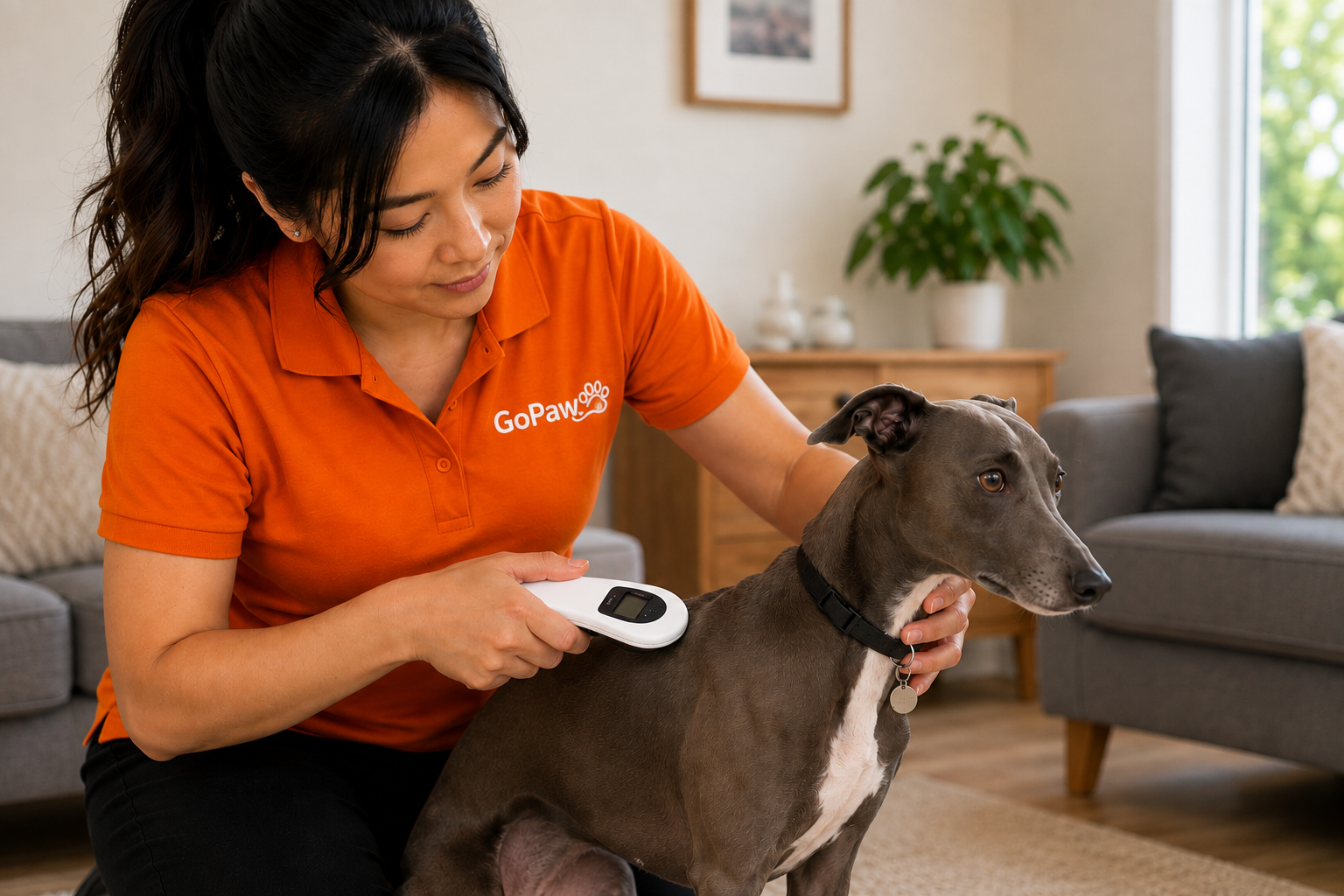
    Pet Microchipping
  • check-mark
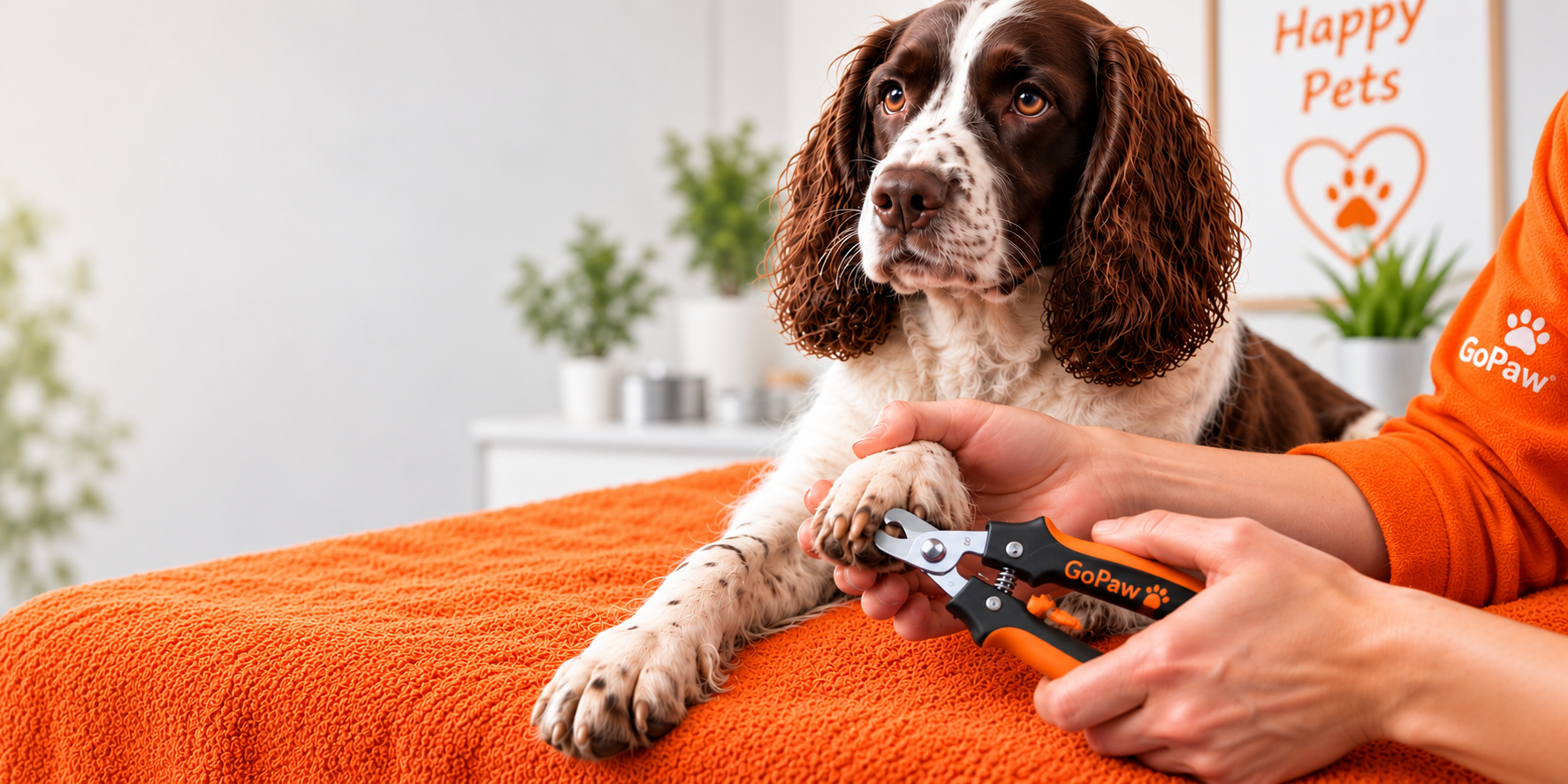
    Nail Clipping
  • check-mark
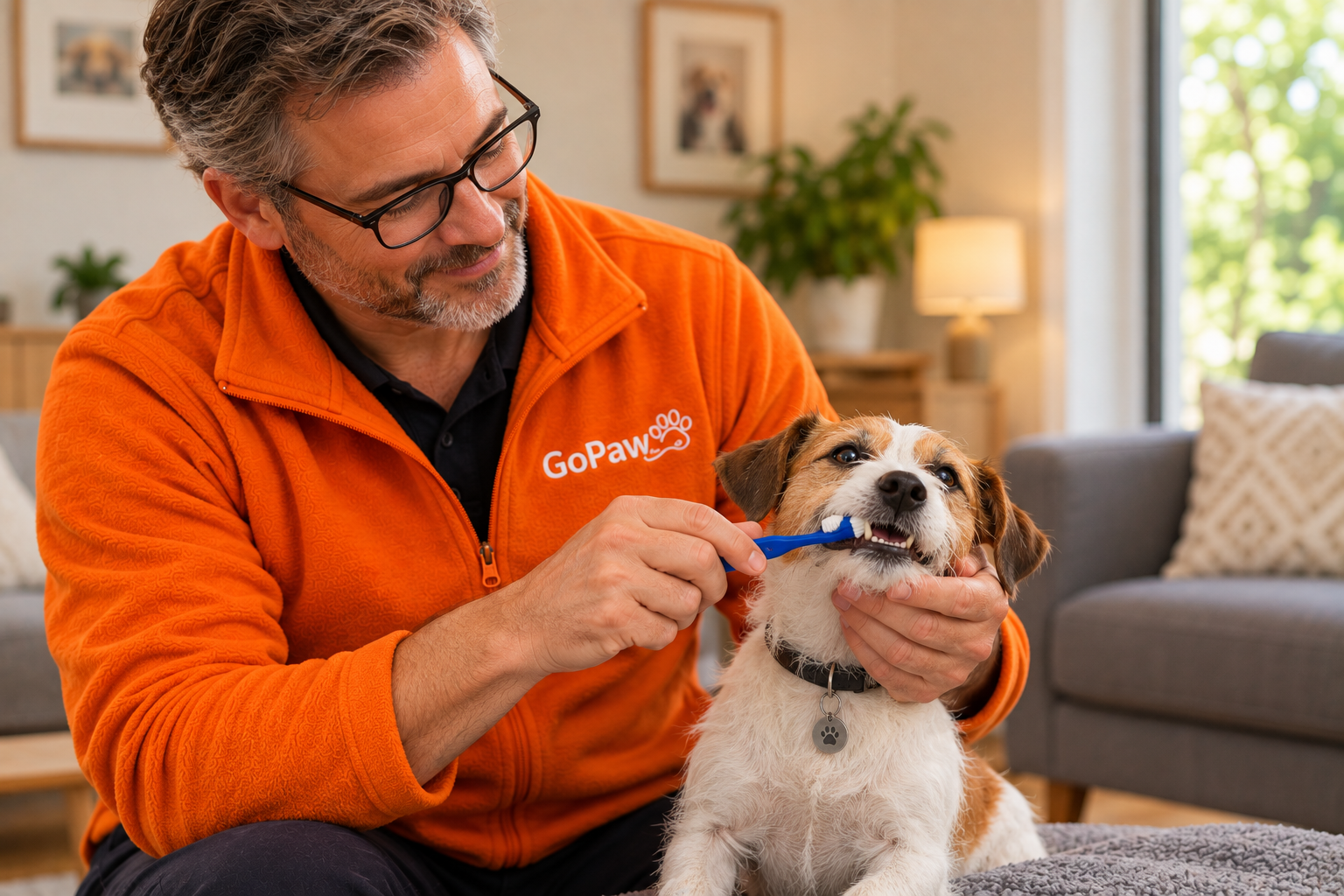
    Teeth Cleaning
  • check-mark
    Additional pet services as they become available
Open Book in the GoPaw app, choose the service you require and follow the booking instructions.

Services aren't available in my area

GoPaw is expanding its service network across the UK.

If booking isn’t currently available at your location, the app will let you know. Availability may change as new GoPaw representatives and service areas are added.

Account & App Support

Having trouble with the GoPaw app?

If something isn’t working as expected, please try:

  • check-mark
    Check that you have an internet connection.
  • check-mark
    Close and reopen the GoPaw app.
  • check-mark
    Make sure you're running the latest version of GoPaw.
  • check-mark
    Restart your device.
  • check-mark
    If the problem continues, contact GoPaw Support below.

When reporting a technical problem, please tell us:

  • check-mark
    What you were trying to do
  • check-mark
    What happened
  • check-mark
    Your device model
  • check-mark
    Your iOS version
  • check-mark
    Your GoPaw app version, if known
A screenshot of the problem can also help us investigate.

Notifications & Location

GoPaw may use notifications and location-related information to provide features such as BARK alerts and other location-relevant functionality.

For the best experience, make sure the permissions required for the features you want to use are enabled in your device settings.

You can manage GoPaw permissions at any time through your iPhone settings.

Privacy & Your Data

Your privacy is important to us.

For information about how GoPaw collects, uses and protects personal information, please read our Privacy Policy.

For requests relating to your account or personal information, please contact GoPaw Support.

Contact GoPaw Support

Still need help?

Our team is here to help with questions about the GoPaw app, your account, BARK alerts and pet services.

  • Email: hello@gopaw.co.uk
  • Phone: 01206 625076

When contacting us about an app issue, please include as much information as possible so we can help you quickly.